PRICING
PRICING
Pricing that works for You
Pricing that works for You
Whether starting out or running a team, there’s a plan that fits your workflow.
Whether starting out or running a team, there’s a plan that fits your workflow.
For individuals just getting started
Features

Tools to organize your workflow

Unlimited messages & basic features

Access from any device

Create personal notes and quick tasks

Receive basic notifications, reminders
For individuals just getting started
Features
Tools to organize your workflow
Unlimited messages & basic features
Access from any device
Create personal notes and quick tasks
Receive basic notifications, reminders
For individuals just getting started
Features
Tools to organize your workflow
Unlimited messages & basic features
Access from any device
Create personal notes and quick tasks
Receive basic notifications, reminders
Features

Advanced collaboration tools

Priority customer support

File uploads, voice notes, meetings.

Smart automation to save time

Keep you fast, focused, productive.
Features
Advanced collaboration tools
Priority customer support
File uploads, voice notes, meetings.
Smart automation to save time
Keep you fast, focused, productive.
Features
Advanced collaboration tools
Priority customer support
File uploads, voice notes, meetings.
Smart automation to save time
Keep you fast, focused, productive.
For teams to move faster.
Features

Team workspace controls

Role-based access

Unlimited channels and projects

Admin dashboard with full analytics
For seamless team collaboration.
For teams to move faster.
Features
Team workspace controls
Role-based access
Unlimited channels and projects
Admin dashboard with full analytics
For seamless team collaboration.
For teams to move faster.
Features
Team workspace controls
Role-based access
Unlimited channels and projects
Admin dashboard with full analytics
For seamless team collaboration.



Trusted by leading Company
Trusted by leading Company








FEATURES COMPARISON
FEATURES COMPARISON
Find the Perfect Plan for You
Find the Perfect Plan for You
Free
Professional
Enterprise
Core Collaboration
Messages & Chat
Unlimited
Unlimited
Unlimited
Channels / Groups
Limited
Unlimited
Unlimited
Voice & Video Calls


File Sharing
Basic
Enhanced
Advanced
Productivity & Management
Task Management
Basic
Advanced
Pro Dashboard
Workspace Controls
Role-Based Access
Analytics & Insights
Basic
Standard
Advanced
Automations
Full Suite
Collaboration Tools
Create Groups & Channels
Voice & Video Calls
Up to 60 min
Unlimited HD
Team Workspaces
1
5
Unlimited
Shared Libraries
Basic
Standard
Advanced
Integrations
Limited
Standard
Full Integrations + API
Free
Professional
Enterprise
Core Collaboration
Messages & Chat
Unlimited
Unlimited
Unlimited
Channels / Groups
Limited
Unlimited
Unlimited
Voice & Video Calls
File Sharing
Basic
Enhanced
Advanced
Productivity & Management
Task Management
Basic
Advanced
Pro Dashboard
Workspace Controls
Role-Based Access
Analytics & Insights
Basic
Standard
Advanced
Automations
Full Suite
Collaboration Tools
Create Groups & Channels
Voice & Video Calls
Up to 60 min
Unlimited HD
Team Workspaces
1
5
Unlimited
Shared Libraries
Basic
Standard
Advanced
Integrations
Limited
Standard
Full Integrations + API
Free
Professional
Enterprise
Core Collaboration
Messages & Chat
Unlimited
Unlimited
Unlimited
Channels / Groups
Limited
Unlimited
Unlimited
Voice & Video Calls
File Sharing
Basic
Enhanced
Advanced
Productivity & Management
Task Management
Basic
Advanced
Pro Dashboard
Workspace Controls
Role-Based Access
Analytics & Insights
Basic
Standard
Advanced
Automations
Full Suite
Collaboration Tools
Create Groups & Channels
Voice & Video Calls
Up to 60 min
Unlimited HD
Team Workspaces
1
5
Unlimited
Shared Libraries
Basic
Standard
Advanced
Integrations
Limited
Standard
Full Integrations + API
FAQ
Common questions we get

Getting Started

Features & Collaboration

Security & Support

How do I create an account?
Sign up with your email or phone number in just a minute! Once you're in, you can quickly invite your team to hop on board and start collaborating right away. Let’s get working together smoothly from the start!
Do I need to download the mobile app to use the platform?
Not necessarily — you can use the web version too. But the mobile app gives you faster access and real-time notifications on the go.
Can I invite my team members immediately?
Yes! Once you create your workspace, you can send invites instantly via email or link.
What’s the best way to set up my first workspace?
Begin by inviting your team members and creating channels or groups for different projects. Customize notifications and permissions to fit your workflow, then start adding tasks, files, and messages to organize your work efficiently.
Can I try Flowlink before committing to a plan?
Yes! Flowlink offers a free starter plan so you can explore all essential features, create a workspace, and see how it fits your team’s workflow before upgrading.
Have more questions? Please contact our support team.
FAQ
Common questions we get
Getting Started
Features & Collaboration
Security & Support
How do I create an account?
Sign up with your email or phone number in just a minute! Once you're in, you can quickly invite your team to hop on board and start collaborating right away. Let’s get working together smoothly from the start!
Do I need to download the mobile app to use the platform?
Not necessarily — you can use the web version too. But the mobile app gives you faster access and real-time notifications on the go.
Can I invite my team members immediately?
Yes! Once you create your workspace, you can send invites instantly via email or link.
What’s the best way to set up my first workspace?
Begin by inviting your team members and creating channels or groups for different projects. Customize notifications and permissions to fit your workflow, then start adding tasks, files, and messages to organize your work efficiently.
Can I try Flowlink before committing to a plan?
Yes! Flowlink offers a free starter plan so you can explore all essential features, create a workspace, and see how it fits your team’s workflow before upgrading.
Have more questions? Please contact our support team.
FAQ
Common questions we get
Getting Started
Features & Collaboration
Security & Support
How do I create an account?
Sign up with your email or phone number in just a minute! Once you're in, you can quickly invite your team to hop on board and start collaborating right away. Let’s get working together smoothly from the start!
Do I need to download the mobile app to use the platform?
Not necessarily — you can use the web version too. But the mobile app gives you faster access and real-time notifications on the go.
Can I invite my team members immediately?
Yes! Once you create your workspace, you can send invites instantly via email or link.
What’s the best way to set up my first workspace?
Begin by inviting your team members and creating channels or groups for different projects. Customize notifications and permissions to fit your workflow, then start adding tasks, files, and messages to organize your work efficiently.
Can I try Flowlink before committing to a plan?
Yes! Flowlink offers a free starter plan so you can explore all essential features, create a workspace, and see how it fits your team’s workflow before upgrading.
Have more questions? Please contact our support team.
Work better together, wherever you are
Connect, share ideas, keep your team aligned.
View demo
View demo
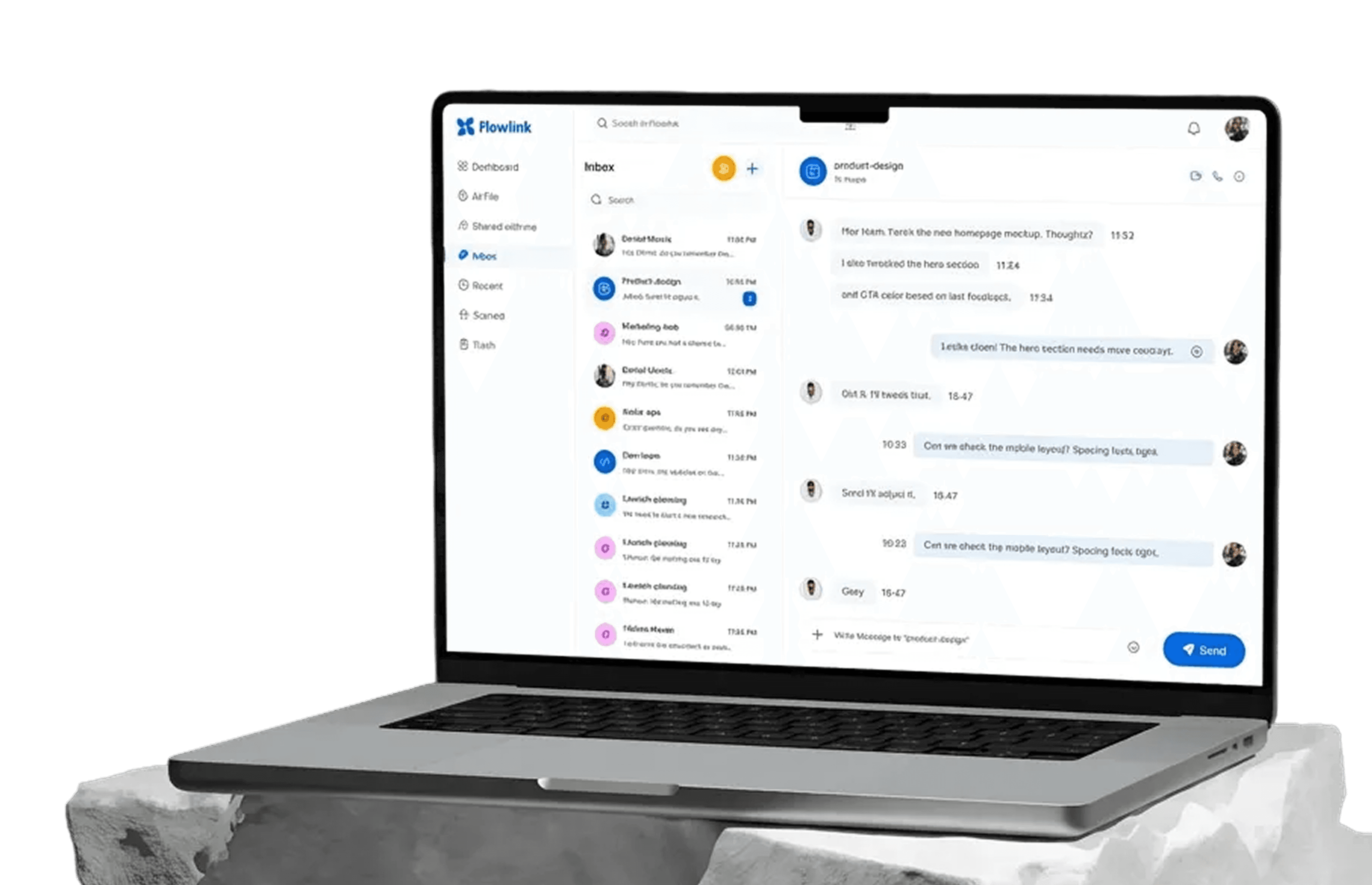
Work better together, wherever you are
Connect, share ideas, keep your team aligned.
View demo
View demo
Work better together, wherever you are
Connect, share ideas, keep your team aligned.
View demo
View demo