


INTEGRATION DETAILS
INTEGRATION DETAILS
Integration with Chatflow
Integration with Chatflow
Integrate ChatFlow with Flowlink. Chat with your team for instant updates across all your connected devices.
Integrate ChatFlow with Flowlink. Chat with your team for instant updates across all your connected devices.




Overview
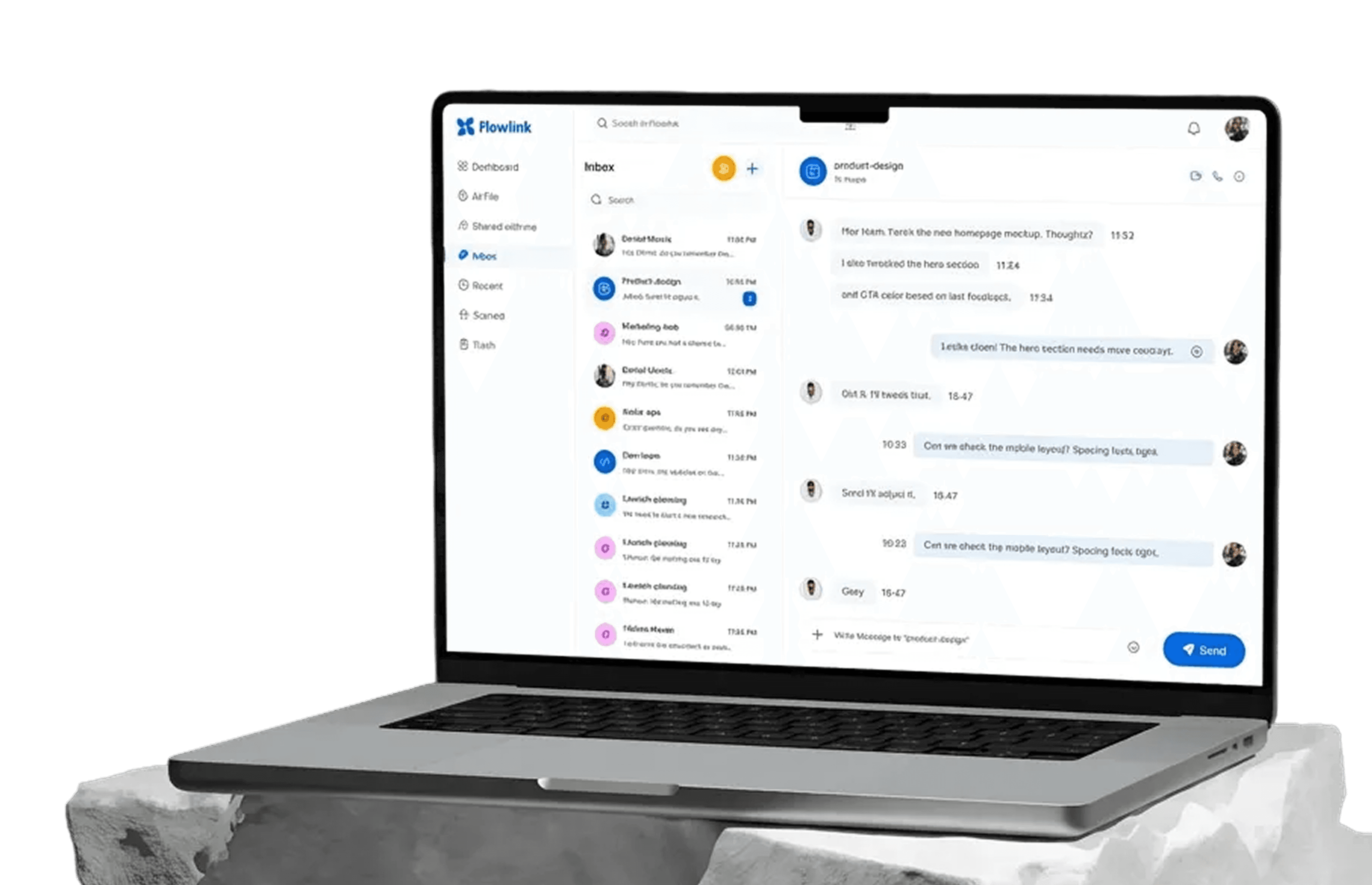
Connect ChatFlow with Flowlink to bring all your team conversations into one centralized workspace. Send messages, share updates, and collaborate instantly without switching between apps.
Every conversation stays synced across devices, ensuring your team never misses an important message—whether they’re at their desk or on the move.
What you can do with ChatFlow + Flowlink
ChatFlow integration makes team communication fast, simple, and always in sync.
1. Chat in real time
Send and receive messages instantly inside Flowlink to keep conversations moving without delays.
2. Stay updated across devices
All chats sync automatically across desktop, tablet, and mobile—so you’re always in the loop.
3. Centralize team communication
Keep discussions focused on work to avoid missed updates.
4. Collaborate without interruptions
Share updates, ideas, and decisions in one place—without switching tools or losing focus.
Tools that make communication effortless
Teams love this integration because it keeps communication simple and reliable. By bringing ChatFlow conversations into Flowlink, teams reduce context switching and stay aligned in real time across projects, teams, and daily workflows.
With instant syncing and seamless messaging, collaboration becomes faster, clearer, and more responsive—helping teams move work forward together.
How to set it up
Connecting ChatFlow with Flowlink is quick and easy.
Step 1. Go to Flowlink integrations
Open Flowlink → Settings → Integrations.
Step 2. Select ChatFlow
Choose ChatFlow from the list of available integrations.
Step 3. Connect your account
Authorize Flowlink to securely connect with ChatFlow.
Step 4. Choose your preferences
Select notification and sync settings that fit your workflow.
Step 5. Save your preferences
Your chats are now fully connected and syncing in real time.
Start using ChatFlow + Flowlink
Stay connected, stay informed, and collaborate instantly. Integrate ChatFlow with Flowlink and keep your team conversations flowing across every device.
Overview
Connect ChatFlow with Flowlink to bring all your team conversations into one centralized workspace. Send messages, share updates, and collaborate instantly without switching between apps.
Every conversation stays synced across devices, ensuring your team never misses an important message—whether they’re at their desk or on the move.
What you can do with ChatFlow + Flowlink
ChatFlow integration makes team communication fast, simple, and always in sync.
1. Chat in real time
Send and receive messages instantly inside Flowlink to keep conversations moving without delays.
2. Stay updated across devices
All chats sync automatically across desktop, tablet, and mobile—so you’re always in the loop.
3. Centralize team communication
Keep discussions focused on work to avoid missed updates.
4. Collaborate without interruptions
Share updates, ideas, and decisions in one place—without switching tools or losing focus.
Tools that make communication effortless
Teams love this integration because it keeps communication simple and reliable. By bringing ChatFlow conversations into Flowlink, teams reduce context switching and stay aligned in real time across projects, teams, and daily workflows.
With instant syncing and seamless messaging, collaboration becomes faster, clearer, and more responsive—helping teams move work forward together.
How to set it up
Connecting ChatFlow with Flowlink is quick and easy.
Step 1. Go to Flowlink integrations
Open Flowlink → Settings → Integrations.
Step 2. Select ChatFlow
Choose ChatFlow from the list of available integrations.
Step 3. Connect your account
Authorize Flowlink to securely connect with ChatFlow.
Step 4. Choose your preferences
Select notification and sync settings that fit your workflow.
Step 5. Save your preferences
Your chats are now fully connected and syncing in real time.
Start using ChatFlow + Flowlink
Stay connected, stay informed, and collaborate instantly. Integrate ChatFlow with Flowlink and keep your team conversations flowing across every device.
Work better together, wherever you are
Connect, share ideas, keep your team aligned.
View demo
View demo
Work better together, wherever you are
Connect, share ideas, keep your team aligned.
View demo
View demo
Work better together, wherever you are
Connect, share ideas, keep your team aligned.
View demo
View demo