


INTEGRATION DETAILS
INTEGRATION DETAILS
Integration with Datafast
Integration with Datafast
Integrate Datafast to track website performance, user engagement, and marketing campaigns within Flowlink.
Integrate Datafast to track website performance, user engagement, and marketing campaigns within Flowlink.




Overview
Connect Datafast with Flowlink to bring your website analytics and marketing performance into a single, centralized workspace. Monitor traffic, engagement, and campaign results without leaving your workflow.
All metrics update in real time inside Flowlink, helping your team stay informed and act quickly on insights that matter.
What you can do with Datafast + Flowlink
Datafast integration helps teams understand performance and optimize results with ease.
1. Track website performance
View traffic, conversions, and key performance metrics directly inside Flowlink.
2. Monitor user engagement
Understand how users interact with your site through clear engagement insights.
3. Measure marketing campaigns
Track campaign performance and ROI in one place for smarter decisions.
4. Keep teams aligned with data
Share analytics across teams so everyone works from the same insights.
Tools that turn data into action
Teams love this integration because it keeps insights close to their work. By connecting Datafast with Flowlink, analytics become easier to access, understand, and act on.
With performance data visible in one workspace, teams collaborate better, adjust faster, and drive stronger results.
How to set it up
Setting up Datafast with Flowlink is quick and straightforward.
Step 1. Go to Flowlink integrations
Open Flowlink → Settings → Integrations.
Step 2. Select Datafast
Choose Datafast from the list of available integrations.
Step 3. Connect your account
Authorize Flowlink to securely connect with Datafast.
Step 4. Choose what to track
Select websites, engagement metrics, and campaigns to sync.
Step 5. Save your preferences
Your analytics are now connected and updating in real time.
Start using Datafast + Flowlink
Track performance, understand users, and optimize campaigns with confidence. Integrate Datafast with Flowlink and bring all your analytics into one powerful workspace.
Overview
Connect Datafast with Flowlink to bring your website analytics and marketing performance into a single, centralized workspace. Monitor traffic, engagement, and campaign results without leaving your workflow.
All metrics update in real time inside Flowlink, helping your team stay informed and act quickly on insights that matter.
What you can do with Datafast + Flowlink
Datafast integration helps teams understand performance and optimize results with ease.
1. Track website performance
View traffic, conversions, and key performance metrics directly inside Flowlink.
2. Monitor user engagement
Understand how users interact with your site through clear engagement insights.
3. Measure marketing campaigns
Track campaign performance and ROI in one place for smarter decisions.
4. Keep teams aligned with data
Share analytics across teams so everyone works from the same insights.
Tools that turn data into action
Teams love this integration because it keeps insights close to their work. By connecting Datafast with Flowlink, analytics become easier to access, understand, and act on.
With performance data visible in one workspace, teams collaborate better, adjust faster, and drive stronger results.
How to set it up
Setting up Datafast with Flowlink is quick and straightforward.
Step 1. Go to Flowlink integrations
Open Flowlink → Settings → Integrations.
Step 2. Select Datafast
Choose Datafast from the list of available integrations.
Step 3. Connect your account
Authorize Flowlink to securely connect with Datafast.
Step 4. Choose what to track
Select websites, engagement metrics, and campaigns to sync.
Step 5. Save your preferences
Your analytics are now connected and updating in real time.
Start using Datafast + Flowlink
Track performance, understand users, and optimize campaigns with confidence. Integrate Datafast with Flowlink and bring all your analytics into one powerful workspace.
Work better together, wherever you are
Connect, share ideas, keep your team aligned.
View demo
View demo
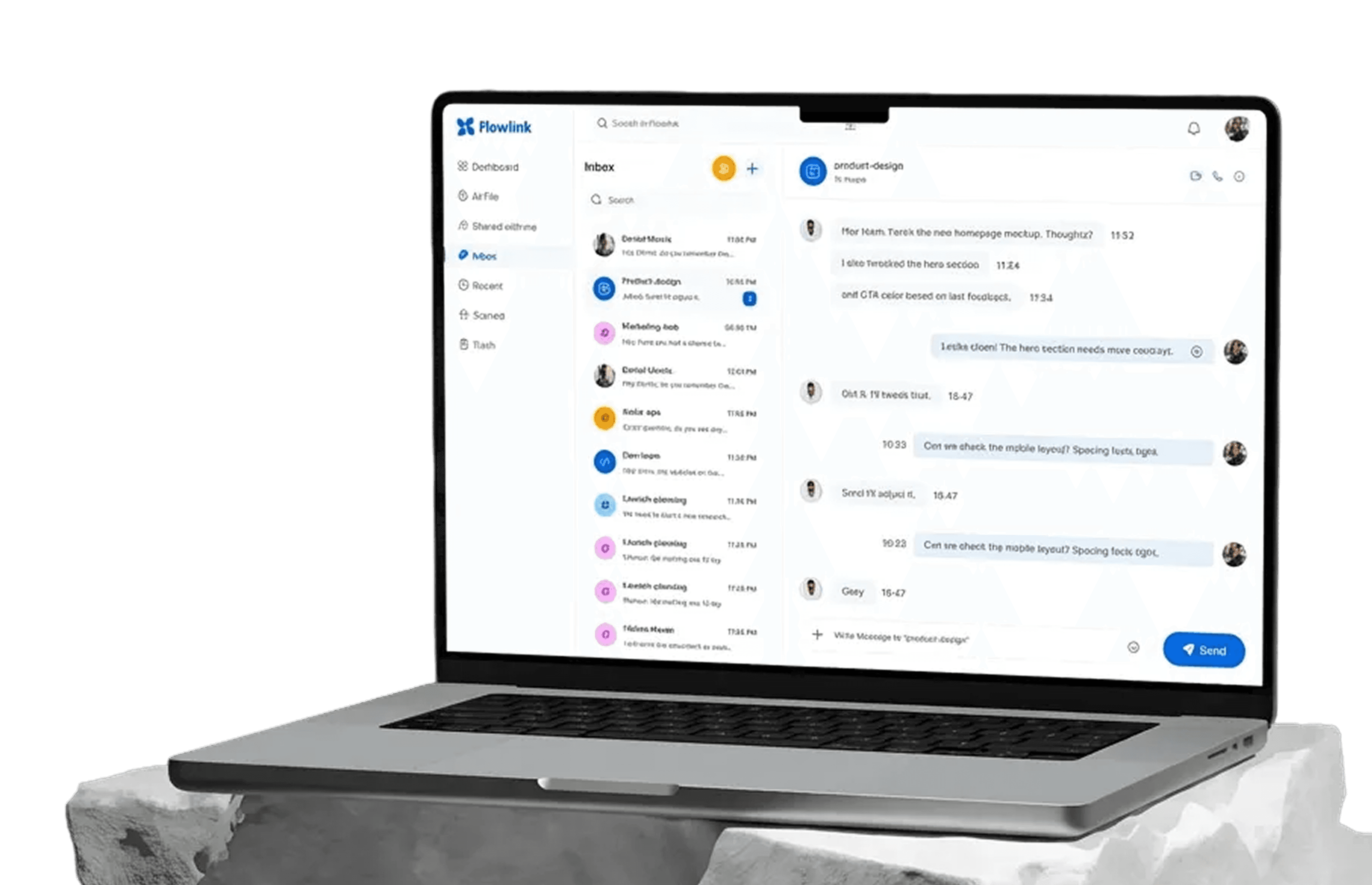
Work better together, wherever you are
Connect, share ideas, keep your team aligned.
View demo
View demo
Work better together, wherever you are
Connect, share ideas, keep your team aligned.
View demo
View demo