


INTEGRATION DETAILS
INTEGRATION DETAILS
Integration with TeamAtlas
Integration with TeamAtlas
Sync your calendar with Flowlink to view all meetings and deadlines effortlessly. Never miss an important date again.
Sync your calendar with Flowlink to view all meetings and deadlines effortlessly. Never miss an important date again.




Overview
Connect Zentra with Flowlink to bring all your documents, spreadsheets, and presentations into one unified workspace. Create, edit, and collaborate in real time while staying aligned with your team’s projects and conversations.
Every file update is reflected instantly inside Flowlink—so your team always works with the latest version, without switching apps or losing context.
What you can do with TeamAtlas + Flowlink
TeamAtlas Calendar integration brings all meetings and deadlines into one workspace. Your team has a clear view of upcoming events without switching tabs.
1. See all meetings in one place
Your TeamAtlas events appear instantly inside Flowlink—no switching tabs or searching for dates, keeping your workflow organized effortlessly.
2. Sync deadlines automatically
Project due dates from Flowlink update your calendar in real time, ensuring every task stays visible and your team remains fully aligned always with complete clarity.
3. Get smart reminders
Stay ahead of important events with timely notifications inside Flowlink.
4. Align your whole team
Everyone can track upcoming meetings and project milestones without needing multiple tools, keeping their work organized, visible, and easy to manage.
Tools that make speed effortless
Teams love this integration because it brings every meeting, deadline, and reminder into one connected workspace, eliminating double-booking, missed updates, and scheduling confusion. By syncing everything in real time, everyone on the team stays aligned with the latest changes and priorities.
With all information accessible inside Flowlink, teams no longer need to jump between apps or calendars. Workflows become smoother, communication becomes clearer, and teams can focus on what truly matters—getting projects done efficiently and on time.
How to set it up
TeamAtlas Calendar integration brings all meetings and deadlines into one workspace. Your team has a clear view of upcoming events without switching tabs.
Step 1. Go to Flowlink integrations
Open Flowlink → Settings → Integrations.
Step 2. Select TeamAtlas calendar
Choose “TeamAtlas Calendar” from the sidebar.
Step 3. Connect your account
Authorize Flowlink to sync with your TeamAtlas Calendar.
Step 4. Choose what to sync
Meetings, deadlines, reminders—customize exactly what appears in Flowlink.
Step 5. Save your preferences
Your calendars now stay fully synced, automatically and in real time.
Start using TeamAtlas + Flowlink
Stay organized, stay aligned, and stay ahead. Sync your TeamAtlas Calendar with Flowlink and never miss an important date again.
Overview
Connect Zentra with Flowlink to bring all your documents, spreadsheets, and presentations into one unified workspace. Create, edit, and collaborate in real time while staying aligned with your team’s projects and conversations.
Every file update is reflected instantly inside Flowlink—so your team always works with the latest version, without switching apps or losing context.
What you can do with TeamAtlas + Flowlink
TeamAtlas Calendar integration brings all meetings and deadlines into one workspace. Your team has a clear view of upcoming events without switching tabs.
1. See all meetings in one place
Your TeamAtlas events appear instantly inside Flowlink—no switching tabs or searching for dates, keeping your workflow organized effortlessly.
2. Sync deadlines automatically
Project due dates from Flowlink update your calendar in real time, ensuring every task stays visible and your team remains fully aligned always with complete clarity.
3. Get smart reminders
Stay ahead of important events with timely notifications inside Flowlink.
4. Align your whole team
Everyone can track upcoming meetings and project milestones without needing multiple tools, keeping their work organized, visible, and easy to manage.
Tools that make speed effortless
Teams love this integration because it brings every meeting, deadline, and reminder into one connected workspace, eliminating double-booking, missed updates, and scheduling confusion. By syncing everything in real time, everyone on the team stays aligned with the latest changes and priorities.
With all information accessible inside Flowlink, teams no longer need to jump between apps or calendars. Workflows become smoother, communication becomes clearer, and teams can focus on what truly matters—getting projects done efficiently and on time.
How to set it up
TeamAtlas Calendar integration brings all meetings and deadlines into one workspace. Your team has a clear view of upcoming events without switching tabs.
Step 1. Go to Flowlink integrations
Open Flowlink → Settings → Integrations.
Step 2. Select TeamAtlas calendar
Choose “TeamAtlas Calendar” from the sidebar.
Step 3. Connect your account
Authorize Flowlink to sync with your TeamAtlas Calendar.
Step 4. Choose what to sync
Meetings, deadlines, reminders—customize exactly what appears in Flowlink.
Step 5. Save your preferences
Your calendars now stay fully synced, automatically and in real time.
Start using TeamAtlas + Flowlink
Stay organized, stay aligned, and stay ahead. Sync your TeamAtlas Calendar with Flowlink and never miss an important date again.
Work better together, wherever you are
Connect, share ideas, keep your team aligned.
View demo
View demo
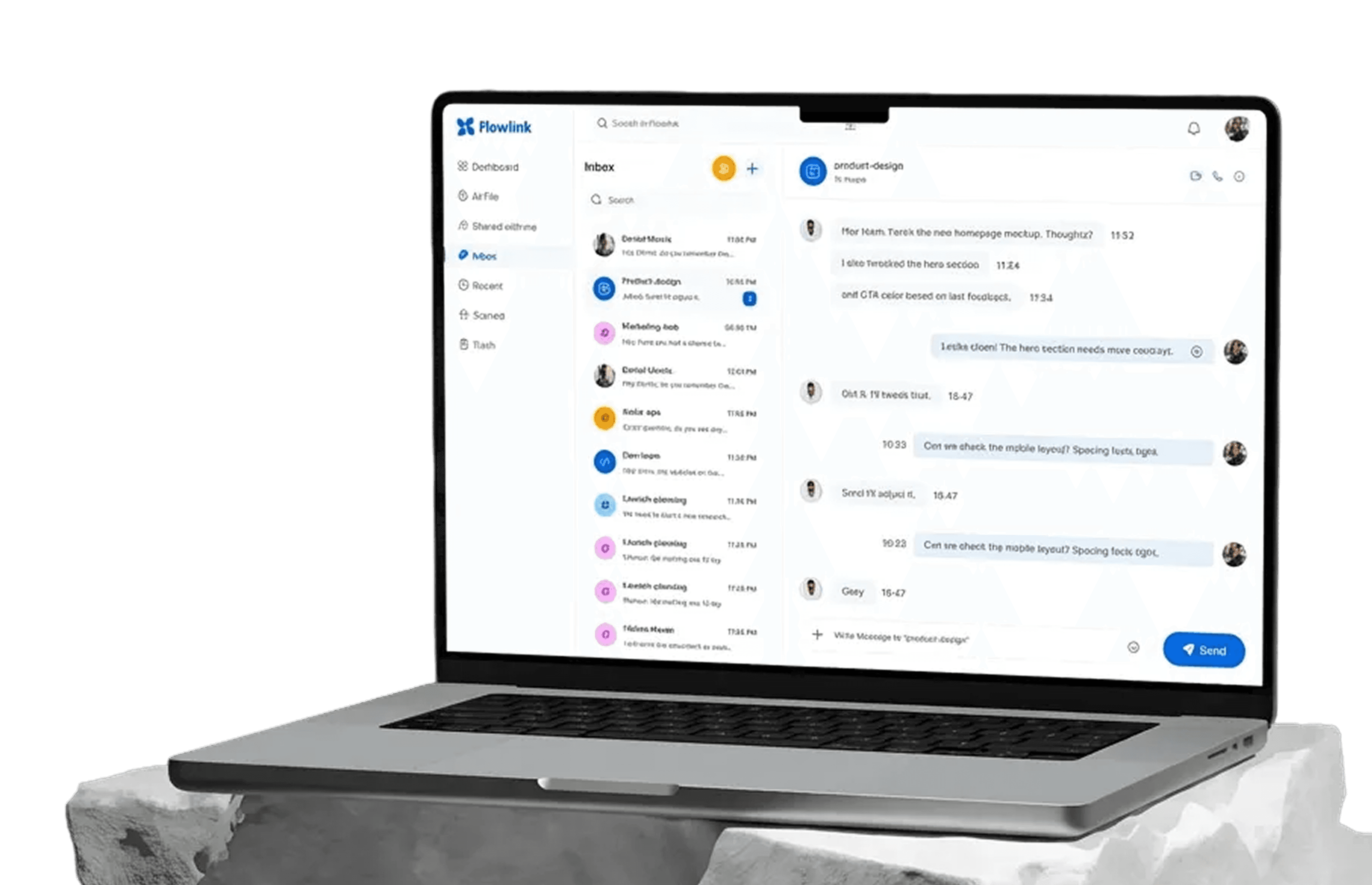
Work better together, wherever you are
Connect, share ideas, keep your team aligned.
View demo
View demo
Work better together, wherever you are
Connect, share ideas, keep your team aligned.
View demo
View demo